
.markdown
Plan Smarter with a Hiking Elevation Gain Calculator
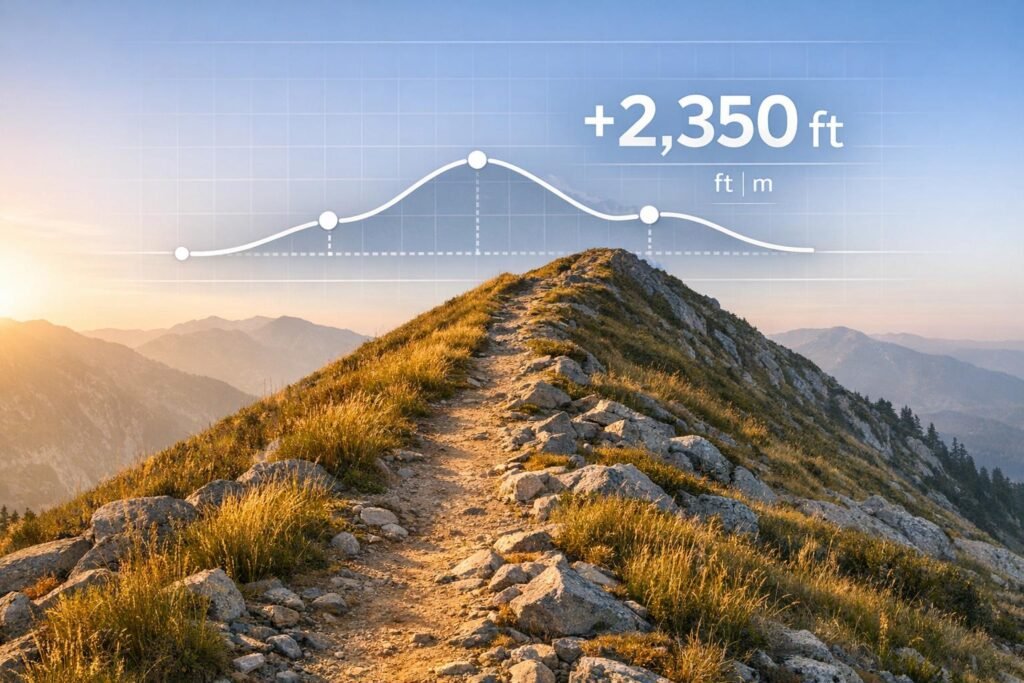
When preparing for a trek, understanding the physical demands of your route is key to a successful adventure. One critical factor often overlooked by beginners is the total uphill climb, or elevation gain, which can make or break your day on the trail. Our tool simplifies this by letting you input each part of your journey and instantly see how much height you’ll conquer.
Why Elevation Matters for Hikers
Whether you’re tackling a steep mountain path or a rolling countryside loop, the effort required to ascend shapes your experience. A trail’s difficulty isn’t just about distance—it’s about how much your legs and lungs will work against gravity. By calculating the height gained across your route, you can better prepare with the right gear, training, and mindset. This is especially handy for multi-day hikes where energy management is everything.
Beyond the Numbers
Beyond raw data, knowing your route’s profile helps with safety too. Steep ascents can mean slower progress, so you’ll plan daylight hours accordingly. For anyone from casual walkers to seasoned mountaineers, tools like these turn guesswork into confidence. Try it out before your next outdoor escape and hike with clarity!
FAQs
Why should I care about elevation gain on a hike?
Elevation gain is a big deal because it tells you how much uphill climbing you’ll face, which directly impacts how tough the hike will be. A trail with 2,000 feet of gain is way more demanding than a flat one, even if the distance is the same. Knowing this helps you pack right, pace yourself, and avoid surprises on the trail. Plus, it’s a great way to gauge if you’re physically ready for the challenge.
How do I know if my elevation data is accurate?
Accuracy depends on the data you input, which often comes from maps, apps, or GPS devices. Topographic maps or hiking apps like Gaia GPS can give you solid elevation change numbers for each segment. If you’re unsure, overestimate a bit to be safe. Our tool just crunches the numbers you provide, so double-check your sources for the best results.
Does this tool account for elevation loss too?
By default, it calculates the total elevation change, including descents if you input negative values. But if you’re only interested in the uphill grind, just check the ‘total gain only’ option, and we’ll ignore any downhill segments. It’s flexible for whatever you’re planning, whether it’s training for climbs or just curious about the full picture.